A trading journal for Swissquote
Swissquote has no API for private accounts, so the journal reads its transactions export instead. Download it, drop it in, and your buys and sells become complete trades you can review.
No card needed to start. Then CHF 5 a month or CHF 50 a year, cancel any time.
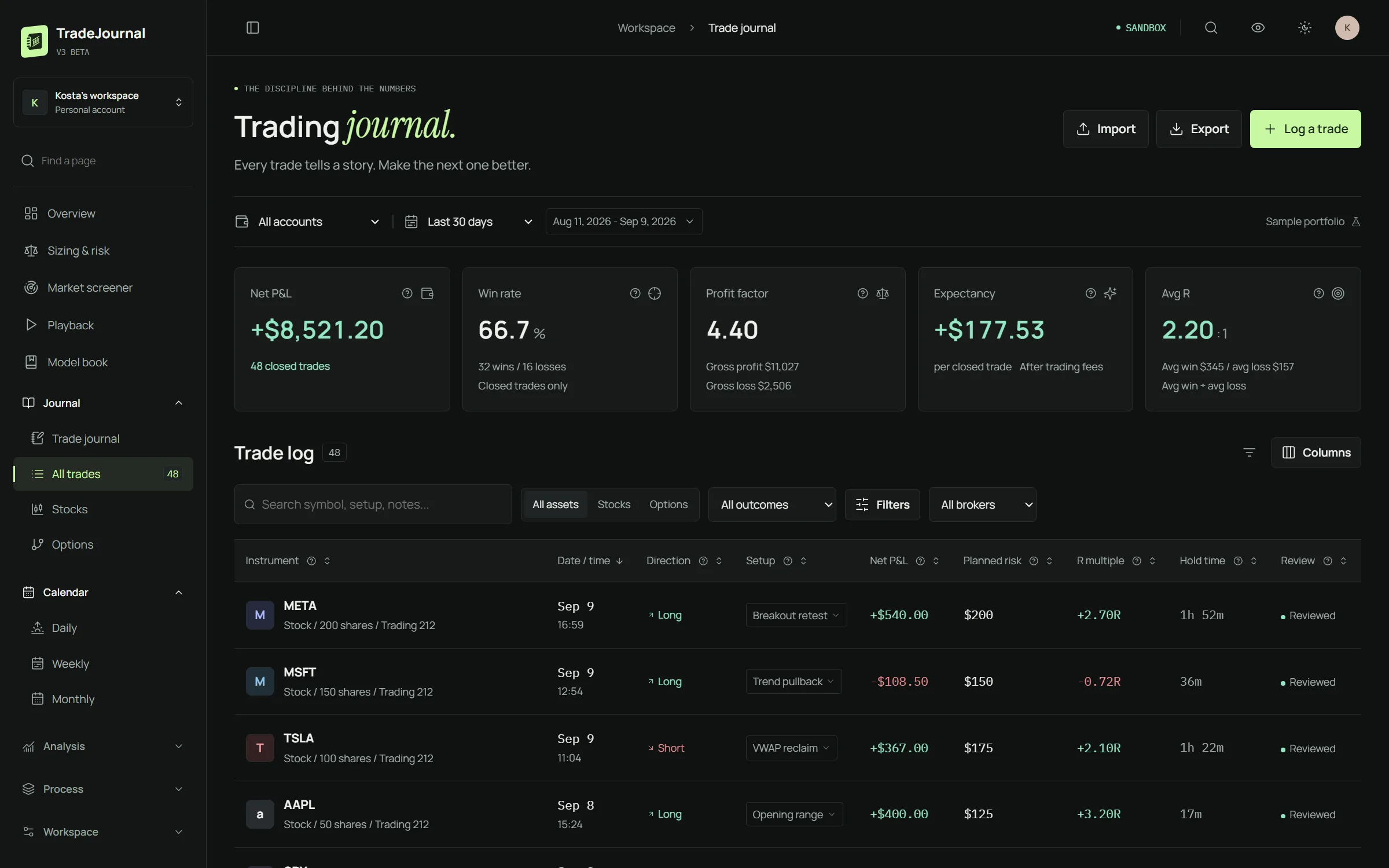
Imported in two minutes
- In Swissquote e-trading export your transactions as CSV, in any interface language.
- In TradeJournal open Broker connections, choose Swissquote and pick the file.
- Buys and sells are paired FIFO into trades; open positions, deposits, withdrawals and interest land on your balance. Import again any time: rows already in the journal are skipped.
Made in Switzerland, for Swiss accounts too: amounts in CHF stay in CHF.
The Swissquote export, in detail
Where the export is
In the Swissquote e-trading web platform open Transactions in the top menu (it is also under Reports, Transactions). The first time, choose everything since the account was opened, so every sell finds the buy it belongs to; later, the months since the last import. Keep every transaction type ticked and press Export CSV.
What the file contains
Thirteen columns: Date, Order #, Transaction, Symbol, Name, ISIN, Quantity, Unit price, Costs, Accrued interest, Net amount, Balance and Currency. The journal recognises them in English, German, French and Italian.
What becomes what
Buy and Sell rows become trades, paired first in, first out, with the fee taken from Costs. Credit and Debit rows become deposits and withdrawals. Currency changes, dividends, custody fees and taxes are left out of your trades.
Francs, dollars and euros
Prices stay in the instrument’s own currency: CHF, USD or EUR. If you want one currency, tick Convert CHF to USD when you import and give the rate.
Everything a trading journal should do
Brokers sync by themselves
Interactive Brokers and Trading 212 sync automatically, eToro with its API keys; Charles Schwab, Robinhood, Webull, TradeStation, DEGIRO and more on PRO; Swissquote, Saxo and any broker from a file.
Replay every trade
Watch the chart rebuild candle by candle around your entry and exit, with VWAP, moving averages and MACD.
Setups and entry tactics
Tag what the trade was and how you entered it. The playbook shows which ones actually pay you.
Positions with adds and trims
Buys and sells of one position are grouped into one line with its timeline, valued by average cost like the IBKR app.
Size and risk before you click
The position size calculator and your open risk across the account, in one place.
Market screener
US stocks by theme, 52-week highs and lows, new highs of the day and MACD crosses, refreshed during the session.
One plan, everything included
Launch price until 31 October 2026. 7 days free, no card needed to start.
Questions
Why no automatic sync for Swissquote?
Swissquote's APIs are for institutional clients only. The export is the reliable route for a private account.
Can I import the same file twice?
Yes. Rows already in the journal are skipped, so overlapping exports are harmless.
Do Saxo accounts work too?
Yes, the same way: export the statement from SaxoTraderGO or SaxoInvestor and import it.
A sell without its buy?
When the buy is older than the export, the sell is kept with an unknown entry and no P&L. Export a longer period and import again: the trade is completed and nothing is doubled.
Does the language of my Swissquote interface matter?
No. Exports in English, German, French and Italian are all read.
A trading journal for Swissquote
No card needed to start. Then CHF 5 a month or CHF 50 a year, cancel any time.